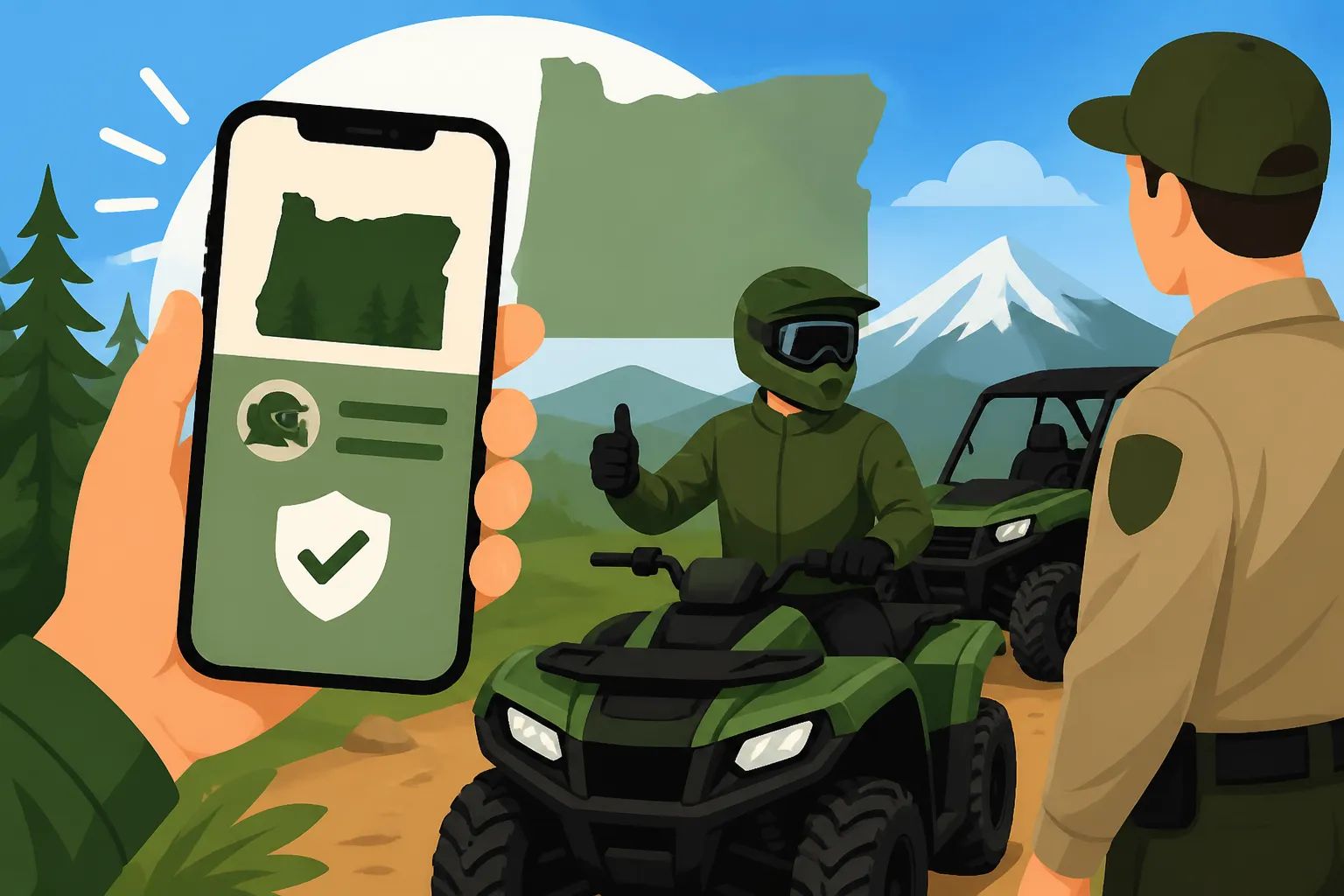
Showing an Oregon Safety Card on Your Phone
If you ride an ATV or UTV in Oregon, you may be asked to show that you have the required ATV safety education card. Keeping it on your phone can make that simple, but only if you can bring up a clear copy when you need it. Here’s how to prepare, what to show, and what to do if your phone or signal lets you down.
Can you show an Oregon safety card on your phone?
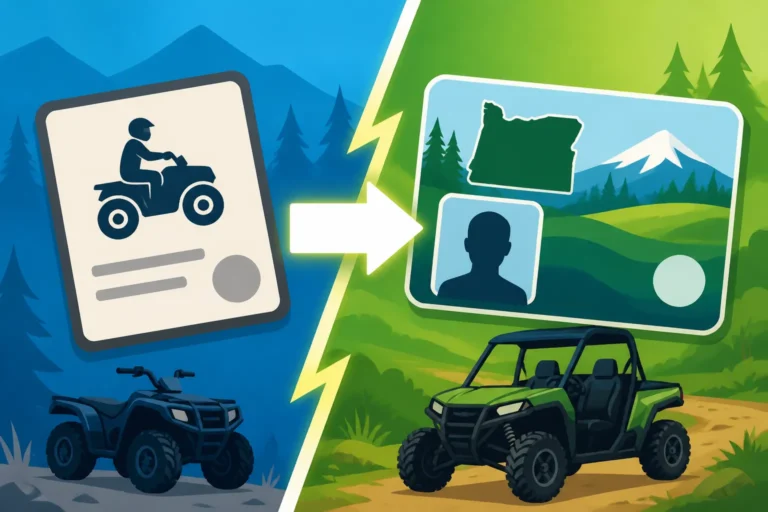
In practice, saving a digital copy of your Oregon ATV safety card on your phone is a useful way to carry proof. The key is to have the card itself available and readable—not just a confirmation email, course page, or screenshot that does not show your card information.
After you complete the course and receive your card, download the card file if one is provided. Open it once to check that it displays correctly, then save it somewhere you can reach without searching through old messages. A screenshot can serve as a handy backup, provided it clearly shows the card details.
Oregon’s safety-card requirements depend on the machine and rider. Before heading out, check the requirements that apply to you in Oregon ATV Safety Card Requirements. If you still need a card, How to Get an Oregon ATV Safety Card explains the general process, and The Free Oregon Safety Card Online covers the online option.
A phone copy is only one part of being ready for a ride. It does not replace an ATV operating permit, a machine’s permit decal, or any required day-use pass. These documents serve different purposes:
| Item | What it shows or covers | Where to keep it |
|---|---|---|
| Oregon ATV safety card | That the rider has met the applicable safety education requirement | On your phone, with a backup copy if practical |
| ATV operating permit | That the machine has the required Oregon operating permit | The required decal must be displayed on the machine |
| Day-use pass, when required | Payment or authorization for access to a particular site | As directed by the site or pass provider |
For example, a rider may have a safety card on a phone but still need the machine’s permit decal and any separate site pass. Read Oregon’s ATV Operating Permit for information about the machine permit. For the card’s rules by machine class, see Class I and Class III Card Rules in Oregon and Class IV Cards Only for Riders Under 16.
The practical takeaway: use your phone as a convenient way to carry the card, but make sure you have the actual card image or file saved and that it is legible.
Save the card so it works without cell service
A common mistake is assuming a card will be easy to retrieve because it is in an email or online account. That may be fine at home, but service can be unreliable in remote riding areas, and a web page may not load when you need it. Save the card directly to your device before leaving.
Use this simple setup:
- Download the card to your phone, or take a clear screenshot of the complete card.
- Open the saved copy while you still have an internet connection.
- Check that the rider’s name and other visible details are readable.
- Save it in a familiar place, such as your phone’s files, photos, or a dedicated wallet app.
- If you ride with family, check that each rider’s card is saved on the phone they will carry, or that the group has a practical way to access each card.
Do not rely on a tiny thumbnail or a cropped image. The card should be visible at a useful size without needing to zoom in and guess at the details. If the card is a PDF, confirm that your phone can open it and that it has not been saved as a blank or incomplete file.
A screenshot is convenient, but keep the original downloadable file too if you can. Having both means you can try the other version if one does not open or display properly. You can also keep a printed copy with your riding paperwork. Paper is not a substitute for any specific format an official may require, but it is a sensible backup when batteries, screens, or devices fail.
Phone settings matter. Turn off any feature that automatically deletes downloaded files, and avoid storing the only copy in a temporary folder. If you use a cloud account, check that the card is actually downloaded to the device rather than available only when online.
For a trip with several riders, make a short pre-ride check part of the routine. Ask each person who needs a card to open it before the group leaves home or camp. That is easier than discovering the file is missing at a staging area.
Showing the card during a ride
If an enforcement officer, ranger, or other authorized official asks to see your safety card, bring up the saved card and hold the screen steady. Make sure the full card is in view and the text is large enough to read. If you saved more than one copy, show the clearest one first.
Keep the phone secure and easy to reach. A phone buried in a pack can be awkward to retrieve, especially if you are wearing riding gear or the weather is wet. At the same time, do not leave it loose where it can fall out or be damaged. A waterproof pouch can protect a phone from rain, dust, and splashes; a basic one from a local retailer or Amazon may be useful, but test it before the ride to ensure you can still use the screen.
A few sensible habits can make a roadside or staging-area check smoother:
- Stop in a safe place before handling your phone.
- Take off gloves if they prevent you from unlocking the screen.
- Use the saved card image or file instead of trying to log in to a website.
- Avoid scrolling through personal messages or unrelated files while searching.
- Keep the screen brightness high enough to read in daylight.
- Follow any reasonable directions about how to present the card.
A phone copy is not a substitute for the card itself. A course completion email may show that you took a course, but it might not display the information an official needs to verify your card. Likewise, a picture of someone else’s card, a cropped image without identifying details, or an expired or incorrect record may not establish that you have the required credential. If your card information is wrong, contact the provider or agency responsible for issuing it rather than editing the image.
The rules can differ by rider and machine. A driver’s license may count in some situations, but do not assume that it replaces the card for every rider or class. Check When an Oregon Driver’s License Replaces a Safety Card if you think that exception applies. For younger riders, review Oregon ATV Safety Card for Children and Oregon Rules for Riders Under 16 rather than relying on another rider’s age or credential.
Backups, common problems, and what to check before leaving
A dead battery, a broken screen, or an unreadable file can turn a simple card check into a frustrating delay. A backup is especially useful when you are riding away from services or travelling with more than one person.
Before a ride, make sure your phone is charged and that the saved card opens. If you keep the card only on your phone, consider carrying a printed copy in a dry place as an additional safeguard. A small waterproof document sleeve can help keep paper readable around mud and rain. The aim is not to carry a stack of paperwork; it is to avoid making a single fragile device the only way to show proof.
If you cannot find the card, try these steps before leaving:
- Search your phone for the card’s file name or the organization that issued it.
- Check the downloads folder and photo library.
- Look in the account or email used when you completed the course, while you still have service.
- Contact the card provider if the card was never issued, is missing from your account, or has incorrect information.
- Do not assume that a course receipt or a friend’s card will satisfy the requirement.
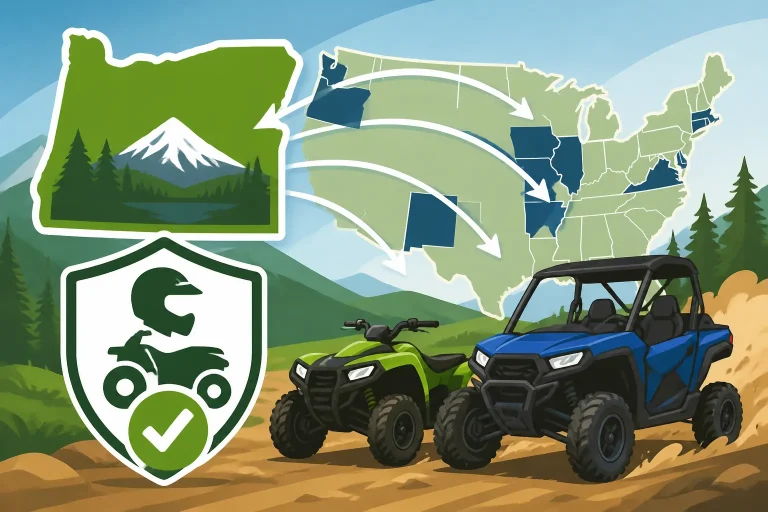
If you are travelling from another state, having a digital card does not necessarily settle whether Oregon accepts it. The question of whether the credential qualifies is separate from whether it is shown on paper or a screen. See Does Oregon Accept an Out-of-State Safety Card? and Oregon Safety Card Reciprocity List before relying on an out-of-state credential.
A rental machine can involve additional steps. Ask the rental business what safety-card documentation it provides and what you must carry yourself. Do not assume that the machine’s permit decal or a rental agreement proves that each rider has met the safety education requirement. What an Oregon Rental Agency Must Do and Does Your Rental Come With a Safety Card? can help clarify what to ask before you arrive.
Use this final check before loading up:
- The rider has the correct card for their situation.
- The card is saved on the phone and opens offline.
- The full card is clear and readable.
- A second copy is available if the phone fails.
- The machine’s operating permit decal is in place.
- Any required site pass or other riding-area documentation is handled separately.
That small amount of preparation keeps the card easy to show without confusing it with the permit or access documents required for the machine and riding area. If you are unsure whether a particular digital format will be accepted, confirm the current instructions with the agency or provider responsible for the card before your trip.
Disclaimer
This article is for general informational purposes only and does not constitute professional advice. Laws, prices and regulations vary by location and change over time. Consult a qualified professional for guidance on your specific situation.